
How Long Do Business Computers Last? When to Repair or Replace

A computer can still turn on while becoming a poor fit for the job. Repeated crashes may interrupt hotel check-ins. A struggling laptop may delay dispatch work. An older desktop may run quickly enough but no longer support the software the business needs. Three to five years is a useful budgeting guideline for business computers, […]
Cancelling a Cloud Service? Protect Your Data Before You Leave

Your team has chosen a replacement booking system, CRM, or file-sharing service. The old subscription looks ready to cancel, but it may still hold attachments, historical records, or connections that staff depend on. Before cancelling a cloud service, identify the records and workflows you need, export or migrate the data, and test the results. Confirm […]
Azure Files vs SharePoint: Where Should Your Business Store Files?

A business replacing an aging file server may already have SharePoint through Microsoft 365. Moving every folder there can seem like an obvious next step until an application needs a network drive or employees struggle with the new workflow. SharePoint suits shared documents and collaboration. Azure Files provides cloud file shares for workloads that need […]
How to Spot a Scam Email When It Looks Legitimate
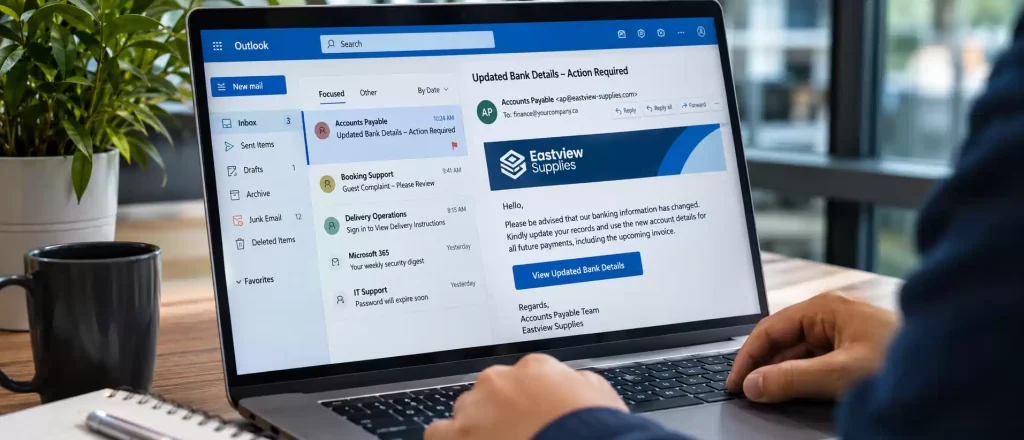
A supplier emails new banking details just before an invoice is due. A hotel receptionist receives a booking complaint with a document to download. A dispatch employee gets a message asking them to sign in to view delivery instructions. Each request could fit a normal working day. That is what makes it worth checking before […]
Microsoft 365 Down? How to Keep Your Business Working

An unavailable inbox or a Teams meeting that will not load can quickly delay client responses and daily work. But “Microsoft 365 is down” can describe several different problems, and each needs a different response. First, establish whether Microsoft’s service is disrupted, your internet connection has failed, or an individual device or account needs attention. […]
Windows Hello for Business: Safer Access to Your Work Computers

Windows Hello for Business helps secure work computers by combining a device-specific sign-in key with a PIN, fingerprint, or facial recognition. This reduces reliance on reusable passwords and helps protect against credential theft. Meteor Networks assesses your devices, configures access policies, and supports a rollout that keeps sign-in straightforward for employees. Protecting business accounts also […]
OneDrive or SharePoint? Where Your Business Files Should Live
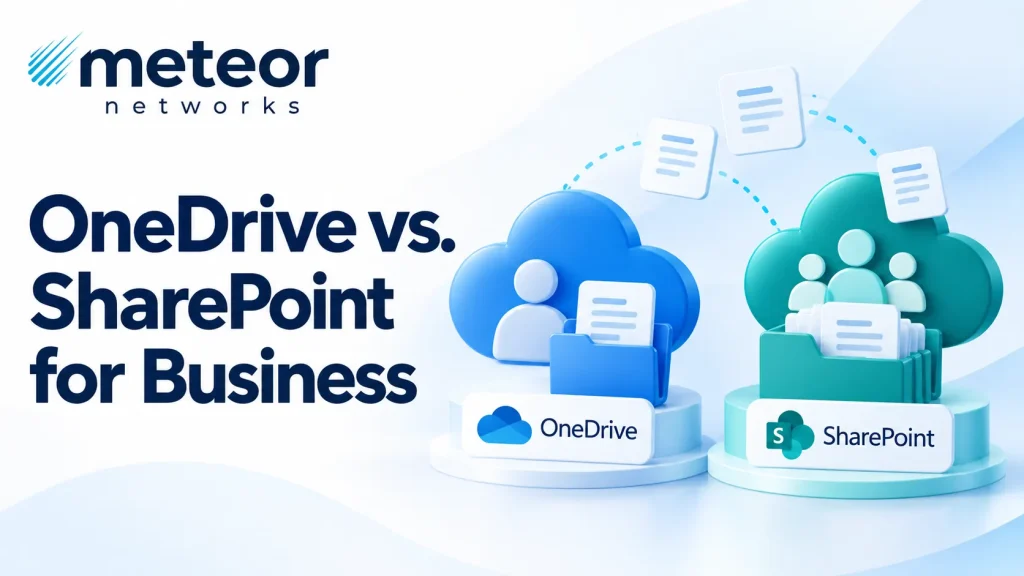
A client needs an updated agreement. Your team knows someone saved it in Microsoft 365, but finding it means searching email attachments, Teams messages, and a colleague’s shared folder. Then you discover three different versions. Microsoft 365 gives businesses several ways to store and share documents. Without a clear rule for where files belong, everyday […]
How to Secure Microsoft 365 for a Growing Business
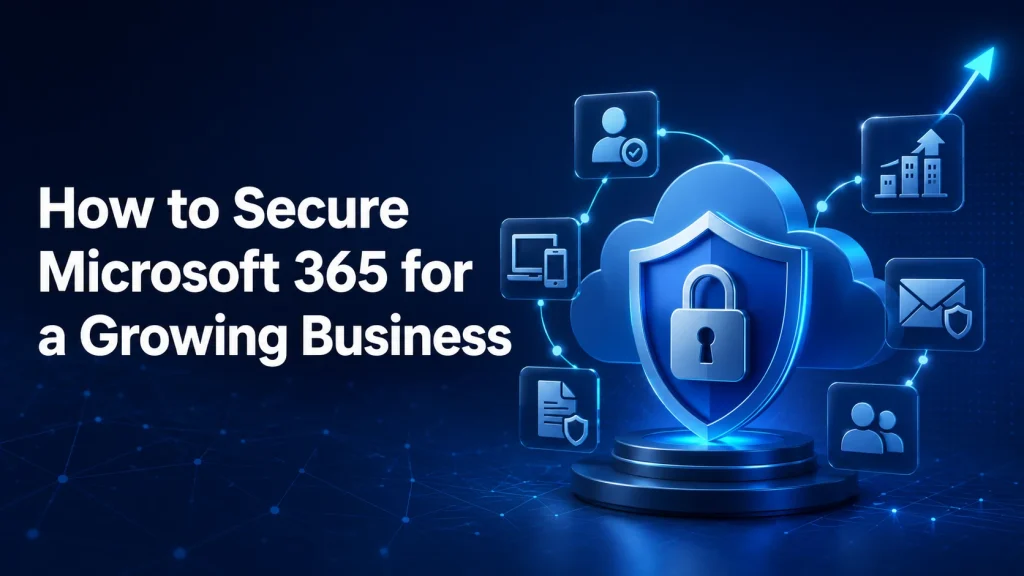
A growing Microsoft 365 environment needs more than default security. Businesses should enforce MFA, limit administrator access, secure devices, control sharing, block phishing threats, and regularly review security policies. Consistent user, device, and data protection helps reduce risk as employees, applications, and business operations continue to grow. Microsoft 365 often expands faster than the security […]
Microsoft 365 Backup vs Native Retention: What Businesses Need to Know

Microsoft 365 native retention and Microsoft 365 backup are not the same thing. Microsoft 365 native retention manages data lifecycle for compliance, legal, and business policies. Microsoft 365 Backup creates restore points to recover data after deletion, corruption, ransomware, or user error. Retention preserves information; backup restores it. Most organizations need both for complete Microsoft […]
Do You Need Third-Party Backup for Microsoft 365?
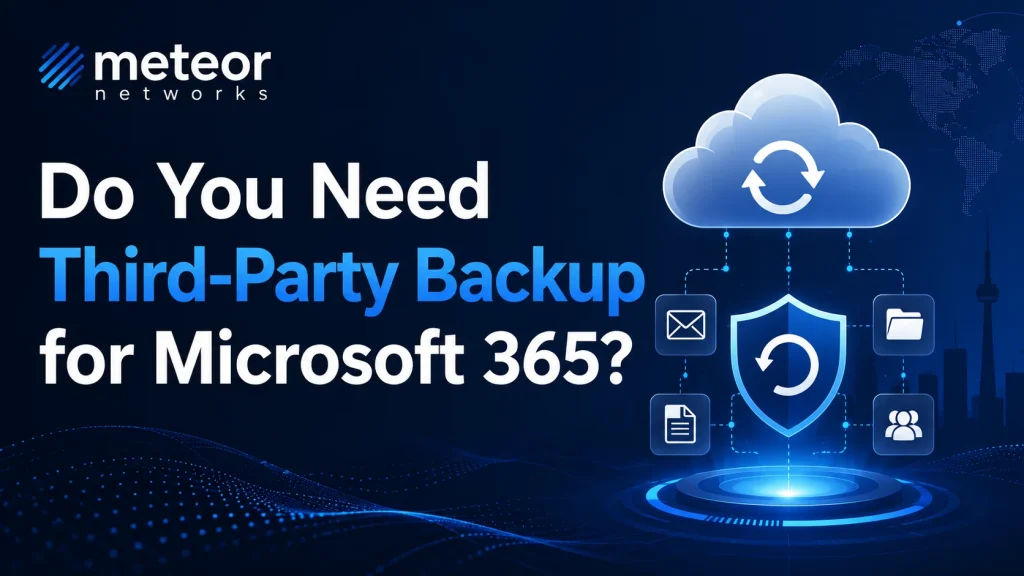
Microsoft 365 is reliable, secure, and built on resilient cloud infrastructure. But that does not mean every email, file, Teams message, or SharePoint document is automatically protected in the way most businesses expect. Understanding where Microsoft’s responsibility ends and yours begins is key to avoiding costly data loss. If Microsoft 365 only handles basic email, […]