

If your office phones still ring, replacement may feel unnecessary. The better test is whether the system reliably gets calls to the right person, supports the way your team works, and remains practical to maintain. A recurring problem in any of those areas is a reason to review it before a failure forces a rushed decision.

Replace your office phone system when repeated faults, missed calls, unsupported equipment, or limited remote access disrupt work. Compare repair and upgrade costs before deciding, and plan number porting and emergency calling. Meteor Networks can assess your setup and recommend a cloud, on-premise, or hybrid solution that fits.
Signs your phone system needs a review
Calls are being missed or sent to the wrong place
Check what happens when reception is busy, an employee is away, or a customer calls after hours. If callers reach the wrong extension, wait without an answer, or leave messages no one sees promptly, your call routing needs attention. Start by reviewing the call flow; the issue may be fixable without replacing the system.
Repairs and routine changes are becoming difficult
An occasional repair is normal. Repeated faults, scarce replacement parts, or a technician visit every time you add an extension make the system harder to justify. Ask your provider which components remain supported and what a major failure would take to repair.
Employees can only answer at their desks
If staff work from home, travel, or cover another location, desk-only calling can leave gaps. A system with mobile and desktop calling can let them use their business number away from the office. Meteor offers mobile and remote work phone options, alongside desk phone solutions.
Adding staff or locations takes too much work
A new employee should not require a disproportionate hardware purchase or a lengthy reconfiguration. If growth repeatedly strains the system’s capacity, compare the cost of expanding it with the cost of a replacement that meets your expected needs.
You cannot explain the full cost
Pull together the phone bills, maintenance charges, hardware costs, and any separate services used to handle calls. Compare that total with proposals for a new system, including setup, handsets, calling, support, and ongoing fees. A lower monthly rate alone does not establish a saving.
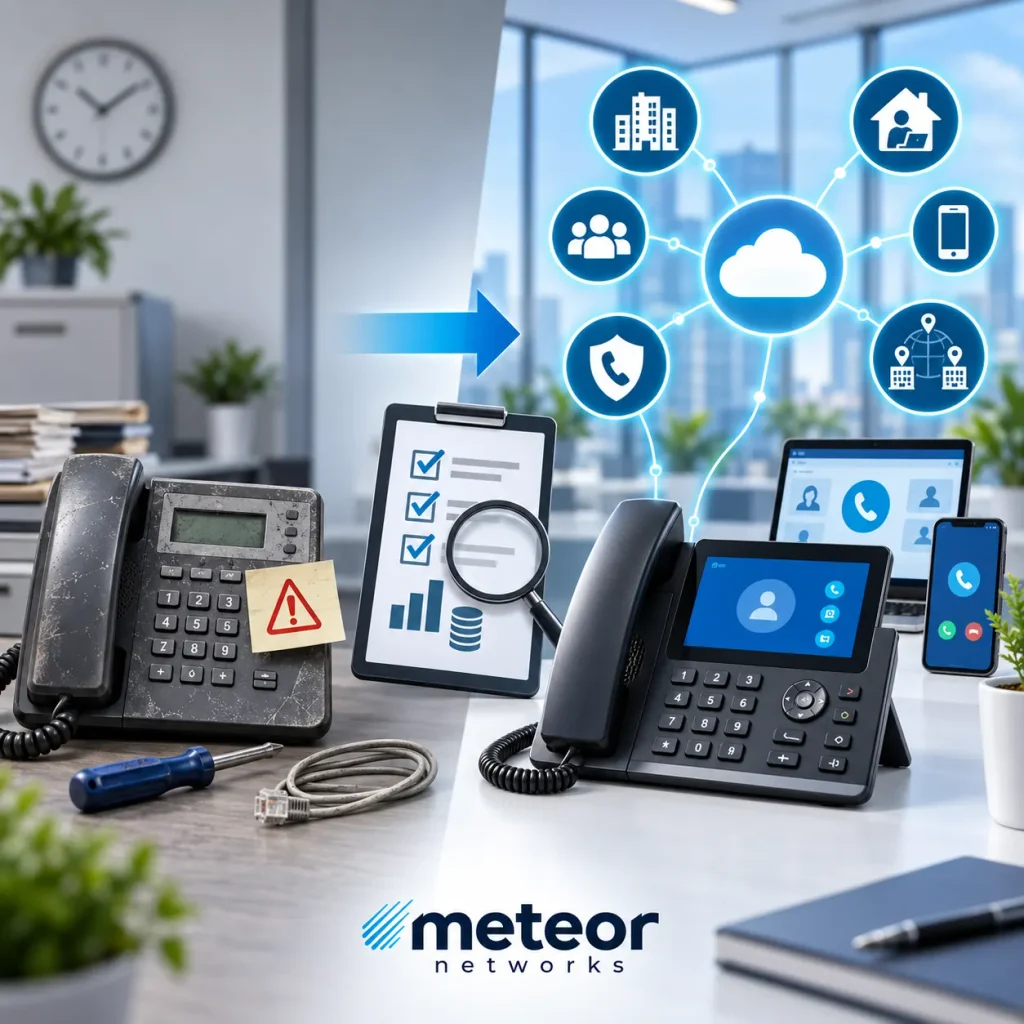
Repair, upgrade, or replace?
| Repair makes sense when the system is supported, the fault is isolated, and its call handling still meets your needs. |
| Upgrade part of the setup when the core system works but a specific gap can be addressed—for example, by changing call routing or adding suitable connectivity. Meteor supports SIP trunks and hybrid phone connectivity, which may be worth assessing before a full replacement. |
| Replace when reliability problems recur, essential parts are no longer supported, or the system cannot meet your staffing, location, or call handling needs at a reasonable cost. |
The replacement does not have to be cloud-based. Meteor designs and supports cloud, on-premise, and hybrid phone systems. The right choice depends on your existing equipment, network, call volume, and need for local control or remote access.
Plan the change before moving your numbers
Document every business number, extension, call route, voicemail box, handset, and connected device. Include fax lines, entry systems, and any other equipment that uses a phone connection. Then confirm what can be reused, how calls will be handled during the changeover, and when staff will be trained.
Ask the new provider to confirm number porting before you cancel the current service. Review emergency calling for every office and remote user as well: VoIP 9-1-1 service can work differently depending on how and where it is used. Meteor also explains its E911 address requirements.
Not sure which option makes sense? Talk to Meteor Networks about your current system, the problems you need to solve, and the cost of keeping or changing it.